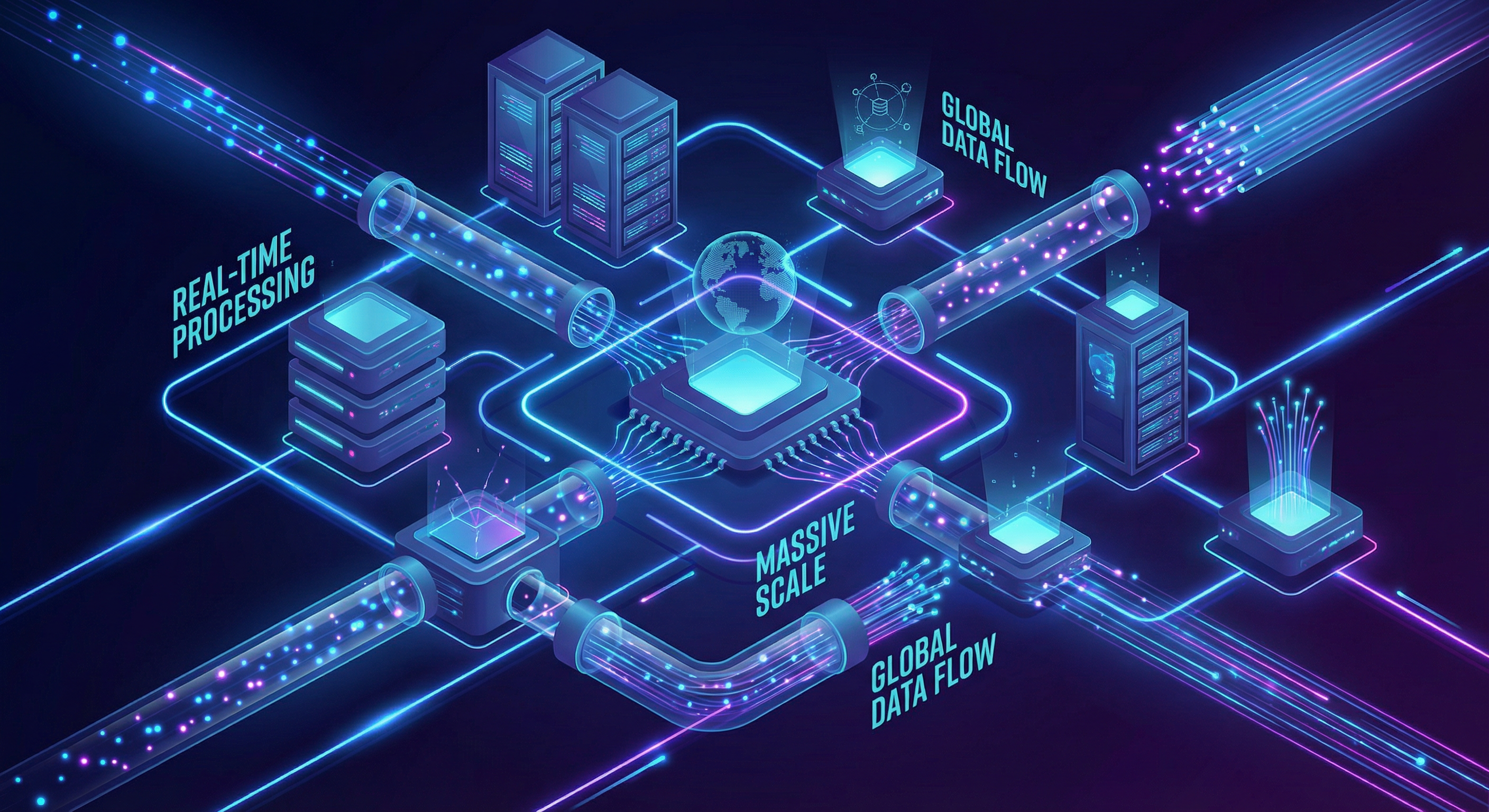
Building Real-time Data Pipelines at Scale: Lessons from Processing 10 Billion Records Daily
After spending over 8 years building data infrastructure at scale, including leading the migration of legacy data warehouses to modern cloud architectures at Ci...
Building Real-time Data Pipelines at Scale: Lessons from Processing 10 Billion Records Daily
After spending over 8 years building data infrastructure at scale, including leading the migration of legacy data warehouses to modern cloud architectures at Citi, I've learned that building real-time data pipelines isn't just about choosing the right tools—it's about understanding the trade-offs and designing for failure.
In this post, I'll share practical lessons from building systems that process over 10 billion records daily, including architecture patterns, common pitfalls, and optimization techniques that actually work in production.
The Challenge: Why Real-time Data Processing is Hard#
When we talk about "real-time" data processing, we're really talking about three different things:
- True real-time (sub-second latency): Event streaming with immediate processing
- Near real-time (seconds to minutes): Micro-batch processing
- Operational real-time (minutes to hours): Frequent batch updates
Most organizations don't need true real-time—and building for it when you don't need it creates unnecessary complexity and cost.
Info: Key Insight: Before designing your pipeline, ask yourself: "What's the actual business requirement for data freshness?" The answer will dramatically simplify your architecture.
Architecture Pattern: The Lambda Architecture Evolution#
The classic Lambda architecture (batch + speed layers) has evolved. Here's what a modern real-time pipeline looks like:
1┌─────────────┐ ┌──────────────┐ ┌─────────────┐2│ Sources │────▶│ Apache Kafka │────▶│ Spark │3│ (Apps, DBs) │ │ (Ingestion) │ │ Streaming │4└─────────────┘ └──────────────┘ └─────┬───────┘5 │6 ┌──────────────────────────┴──────────┐7 │ │8 ▼ ▼9 ┌──────────────┐ ┌──────────────┐10 │ Hot Storage │ │ Cold Storage │11 │ (Redis/ │ │ (S3/Delta │12 │ Druid) │ │ Lake) │13 └──────────────┘ └──────────────┘Key Components Explained#
1. Apache Kafka as the Central Nervous System
Kafka isn't just a message queue—it's an immutable log that becomes your source of truth. This pattern enables:
- Replay of events when bugs are discovered
- Multiple consumers processing the same data differently
- Decoupling of producers and consumers
1# Example: Kafka producer with idempotent writes2from kafka import KafkaProducer3import json4 5producer = KafkaProducer(6 bootstrap_servers=['kafka-1:9092', 'kafka-2:9092'],7 enable_idempotence=True, # Exactly-once semantics8 acks='all', # Wait for all replicas9 value_serializer=lambda v: json.dumps(v).encode('utf-8')10)11 12def publish_event(topic: str, event: dict, key: str):13 future = producer.send(14 topic,15 key=key.encode('utf-8'),16 value=event17 )18 # Block until sent (for critical events)19 future.get(timeout=10)2. Spark Structured Streaming for Processing
Spark Structured Streaming provides exactly-once guarantees with checkpointing:
1from pyspark.sql import SparkSession2from pyspark.sql.functions import *3from pyspark.sql.types import *4 5spark = SparkSession.builder \6 .appName("RealTimePipeline") \7 .config("spark.sql.streaming.checkpointLocation", "s3://bucket/checkpoints") \8 .getOrCreate()9 10# Define schema for incoming events11event_schema = StructType([12 StructField("event_id", StringType(), False),13 StructField("user_id", StringType(), False),14 StructField("event_type", StringType(), False),15 StructField("timestamp", TimestampType(), False),16 StructField("properties", MapType(StringType(), StringType()), True)17])18 19# Read from Kafka20df = spark \21 .readStream \22 .format("kafka") \23 .option("kafka.bootstrap.servers", "kafka:9092") \24 .option("subscribe", "user_events") \25 .option("startingOffsets", "latest") \26 .load()27 28# Parse and transform29events = df \30 .select(from_json(col("value").cast("string"), event_schema).alias("data")) \31 .select("data.*") \32 .withWatermark("timestamp", "10 minutes") # Handle late data33 34# Aggregate by window35aggregated = events \36 .groupBy(37 window("timestamp", "5 minutes", "1 minute"),38 "event_type"39 ) \40 .agg(41 count("*").alias("event_count"),42 countDistinct("user_id").alias("unique_users")43 )44 45# Write to sink46query = aggregated \47 .writeStream \48 .outputMode("update") \49 .format("delta") \50 .option("checkpointLocation", "s3://bucket/checkpoints/aggregates") \51 .start("s3://bucket/aggregates")Production Lessons: What They Don't Tell You#
1. Backpressure Will Happen—Plan for It#
When downstream systems can't keep up, you have three options:
- Drop messages (not usually acceptable)
- Buffer indefinitely (you'll run out of memory)
- Apply backpressure (pause producers)
Warning: Production Tip: Always set explicit rate limits and monitor queue depths. A 10x traffic spike shouldn't bring down your entire pipeline.
1# Spark Streaming rate limiting2spark.conf.set("spark.streaming.kafka.maxRatePerPartition", "10000")3spark.conf.set("spark.streaming.backpressure.enabled", "true")2. Schema Evolution is Inevitable#
Your data schema will change. Plan for it from day one:
- Use schema registry (Confluent or AWS Glue)
- Design schemas that are backward AND forward compatible
- Never remove required fields—deprecate them first
1# Example: Avro schema with backward compatibility2{3 "type": "record",4 "name": "UserEvent",5 "fields": [6 {"name": "event_id", "type": "string"},7 {"name": "user_id", "type": "string"},8 {"name": "event_type", "type": "string"},9 {"name": "timestamp", "type": "long"},10 # New optional field - backward compatible11 {"name": "session_id", "type": ["null", "string"], "default": null}12 ]13}3. Monitoring is Not Optional#
You need visibility into:
- Lag: How far behind is your consumer?
- Throughput: Events processed per second
- Error rate: Failed transformations/writes
- Processing time: P50, P95, P99 latencies
1# Custom metrics with Prometheus2from prometheus_client import Counter, Histogram, Gauge3 4events_processed = Counter(5 'pipeline_events_processed_total',6 'Total events processed',7 ['event_type', 'status']8)9 10processing_time = Histogram(11 'pipeline_processing_seconds',12 'Time spent processing events',13 buckets=[.001, .005, .01, .05, .1, .5, 1, 5]14)15 16consumer_lag = Gauge(17 'pipeline_consumer_lag',18 'Kafka consumer lag',19 ['partition']20)Optimization Techniques That Actually Work#
1. Partition Strategy Matters#
Poor partitioning is the #1 cause of pipeline performance issues:
1# Bad: All data goes to one partition2producer.send(topic, value=event)3 4# Good: Partition by business key for ordering guarantees5producer.send(topic, key=user_id.encode(), value=event)6 7# Better: Custom partitioner for hot key handling8class SkewAwarePartitioner:9 def __call__(self, key, all_partitions, available_partitions):10 # Route hot keys to dedicated partitions11 if key in hot_keys:12 return hash(key) % len(hot_partitions)13 return hash(key) % len(all_partitions)2. Batch Wisely#
Micro-batching reduces overhead but increases latency. Find your sweet spot:
1# Spark trigger options2.trigger(processingTime='10 seconds') # Fixed interval3.trigger(once=True) # Process all available, then stop4.trigger(continuous='1 second') # Experimental low-latency mode3. Use Delta Lake for ACID Guarantees#
Delta Lake gives you:
- ACID transactions on data lakes
- Schema enforcement and evolution
- Time travel for debugging
- Efficient upserts (MERGE)
1# Upsert pattern with Delta Lake2from delta.tables import DeltaTable3 4deltaTable = DeltaTable.forPath(spark, "s3://bucket/users")5 6deltaTable.alias("target").merge(7 updates.alias("source"),8 "target.user_id = source.user_id"9).whenMatchedUpdate(set={10 "last_active": "source.timestamp",11 "event_count": "target.event_count + 1"12}).whenNotMatchedInsert(values={13 "user_id": "source.user_id",14 "first_seen": "source.timestamp",15 "last_active": "source.timestamp",16 "event_count": "1"17}).execute()Cost Optimization: Because Budget Matters#
At scale, small inefficiencies become expensive. Here's what worked for us:
- Right-size your Spark executors: More small executors often outperform fewer large ones
- Use spot instances: 70-90% cost savings for stateless processing
- Implement data lifecycle: Move cold data to cheaper storage tiers
- Compress aggressively: Snappy for speed, Zstd for size
1# Cost-optimized Spark configuration2spark.conf.set("spark.sql.files.maxPartitionBytes", "128m")3spark.conf.set("spark.sql.shuffle.partitions", "200")4spark.conf.set("spark.sql.parquet.compression.codec", "zstd")Conclusion: Start Simple, Iterate Fast#
The best data pipeline is one that:
- Solves the actual business problem (not a hypothetical future problem)
- Is observable (you know when it breaks)
- Is evolvable (you can change it without fear)
Don't start with the most complex architecture. Start with the simplest thing that works, measure everything, and optimize based on real data.
Have questions about building data pipelines? Feel free to reach out or connect with me on LinkedIn.

Written by Mayank Gulaty
Senior Data Engineer with 8+ years of experience at Citi and Nagarro, specializing in building petabyte-scale data pipelines and cloud-native architectures. I combine deep data engineering expertise with full-stack development skills to create end-to-end solutions.
Related Articles

January 30, 2026
Which Dublin Bus Routes Are Actually Reliable? A Data-Driven Analysis
Analysis of 198 bus routes across Dublin to find out which ones you can trust—and which ones to avoid.
January 30, 2026
Predicting Bus Delays with Machine Learning: A Practical Guide
Building an ML model that forecasts Dublin bus delays 15 minutes in advance with 87% accuracy. Complete guide with code.

January 30, 2026
Building a Real-Time Transit Data Pipeline: Dublin Bus Analytics
How I built a complete data pipeline that tracks 680+ buses in real-time across Dublin, from API ingestion to interactive dashboards.